
13 November 2026
How to Host a Virtual Baby Pool for Remote Family
A step-by-step guide to hosting a virtual baby pool for long-distance family and friends, from sharing the link to revealing the winner online.
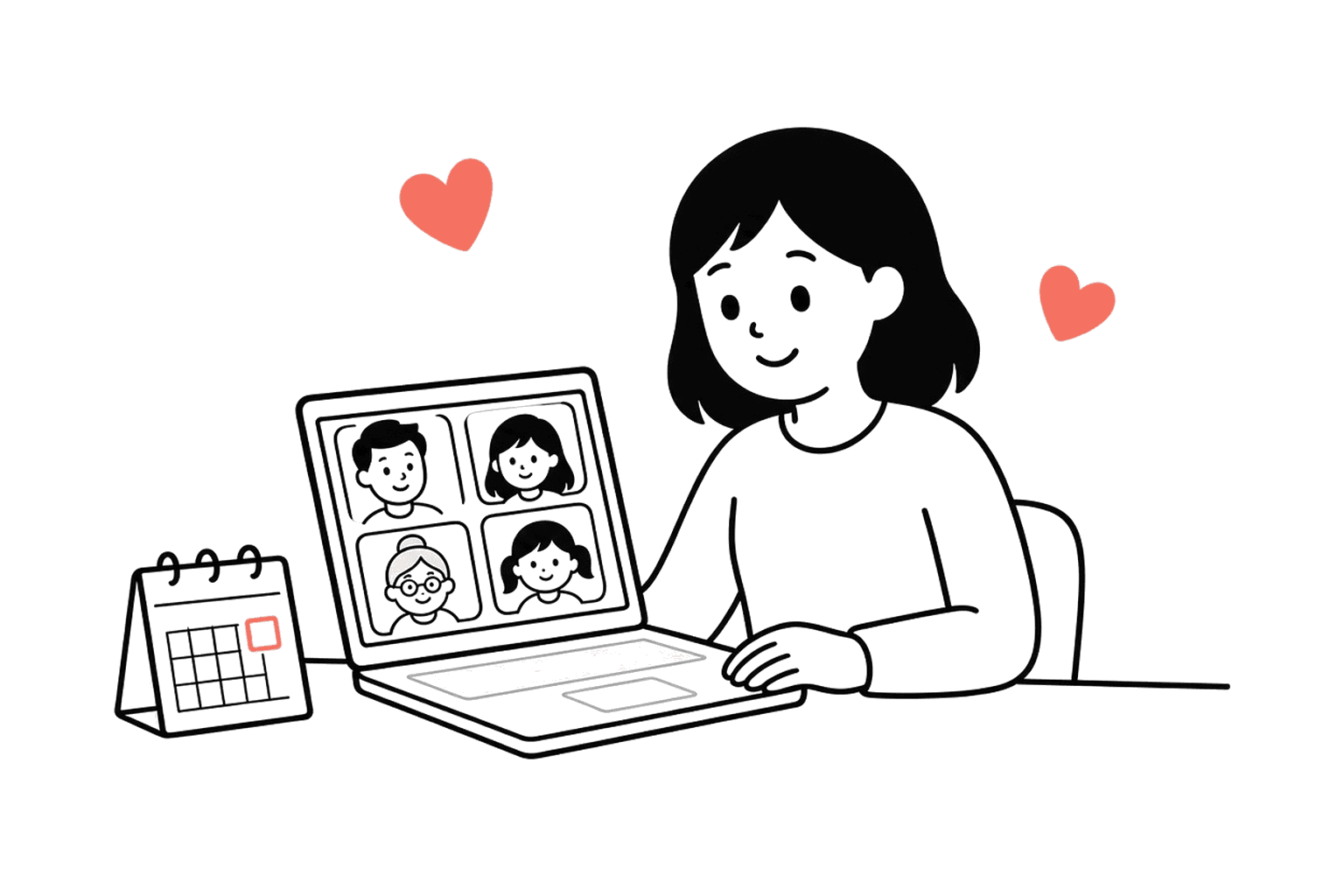
When family and friends are spread across different cities, countries, or time zones, a virtual baby pool is the easiest way to include everyone in the countdown to your baby's arrival.
Unlike a traditional baby shower game played in person, a virtual baby pool lets people join from anywhere, at any time, without needing to coordinate schedules or download apps.
This guide covers how to set up and host a virtual baby pool that works for remote family, what to include, and how to make the reveal feel special even when everyone is far apart.
Why a Virtual Baby Pool Works for Remote Family
A virtual baby pool solves one of the biggest challenges of modern family life: distance.
Not everyone can travel to a baby shower. Not everyone lives nearby. Some people are in different countries, or different time zones, or simply cannot take time off to attend an in-person event.
A virtual baby pool gives them a way to be involved without the logistics of travel, time zones, or scheduling.
It also means:
- no need to coordinate a specific date or time
- guests can join whenever suits them
- predictions stay organised in one place
- the final reveal is easy to share with everyone at once
In other words, it keeps the fun of a baby pool without the constraints of an in-person gathering.
What Makes a Virtual Baby Pool Different from a Regular One?
Not much, actually.
The main difference is that a virtual baby pool is designed to be shared online from the start. There is no paper version. No cards to collect. No need to be in the same room.
Everything happens via one shared link. Guests open the link, add their predictions, and the host reveals the winner when the baby arrives.
The experience is almost identical to an in-person baby pool, just more accessible.
How to Set Up a Virtual Baby Pool
Setting up a virtual baby pool takes about ten minutes.
Here is the basic process.
Step 1: Choose a Platform
You need a baby pool website or app that lets you create a shareable link.
The best virtual baby pools are:
- simple to set up
- easy for guests to access
- mobile-friendly
- clear and well-organised
Avoid anything that requires guests to download an app, create an account, or jump through unnecessary steps. The easier it is to join, the more people will actually submit their predictions.
Step 2: Add the Pool Details
Most virtual baby pools ask for:
- the baby's due date
- the pool title or family name
- which prediction questions to include
- an optional cover image
- an optional passcode (if you want to keep it private)
Keep this step simple. The goal is to get the pool set up quickly so you can share it with family while there is still time before the baby arrives.
Step 3: Choose the Right Questions
The standard virtual baby pool questions are:
- birth date
- birth time
- gender (if you are keeping it a surprise)
- weight
- baby name (if you are happy to share a shortlist)
You can add extras like length, eye colour, or hair colour if you want, but avoid overwhelming guests with too many questions. Five to seven is a good range.
For more detailed guidance on this, you might find our post on baby pool questions helpful.
Step 4: Share the Link
Once your virtual baby pool is set up, you get one shareable link.
This is the link you send to everyone you want to include. It can go in:
- a WhatsApp or family group chat
- an email to long-distance relatives
- a text message
- a Facebook group or post
- your baby shower invite (if you are having one)
The key is to share it clearly, with a short message explaining what it is and when predictions close.
Step 5: Set a Submission Deadline
Most virtual baby pools let you set a deadline for when predictions close.
This is usually a week or two before the due date, to give everyone time to submit their guesses without waiting until the last minute.
A clear deadline also adds a bit of urgency, which encourages people to join sooner rather than later.
Step 6: Let Guests Submit Their Predictions
Once you have shared the link, guests can join at any time.
They open the link, add their predictions, and submit. No app download. No account creation. Just a quick form.
Some guests will join immediately. Others will wait until closer to the deadline. That is fine. The link stays live until you close it.
Step 7: Reveal the Winner When the Baby Arrives
After the baby is born, you update the virtual baby pool with the real birth details.
The platform calculates the scores automatically and shows a leaderboard of who came closest.
You can then share the results with everyone who participated, either by sending the link again or posting a screenshot in your family group chat.
How to Share a Virtual Baby Pool with Remote Family
Sharing a virtual baby pool is straightforward, but there are a few small things you can do to make sure people actually join.
Use Multiple Channels
Do not rely on just one message.
Send the link in your family WhatsApp group, email it to older relatives who might not check group chats, and post it on social media if you are comfortable doing that.
The more places you share it, the more likely everyone will see it.
Add Context
Do not just drop a link with no explanation.
Add a short message like:
- "We are running a baby pool! Click the link to guess the birth date, weight, and gender."
- "Long-distance family can join our baby pool here. Takes two minutes."
- "Help us guess when baby arrives! Link below."
A bit of context makes the link feel less random and more like an invitation.
Follow Up Closer to the Deadline
A few days before predictions close, send a reminder to anyone who has not submitted yet.
A simple "last chance to join the baby pool!" message in the family chat is usually enough to prompt the stragglers.
Make It Feel Special
Even though it is virtual, you can still make the baby pool feel like an event.
Consider:
- adding a custom cover image with a photo of you and your partner
- including a short message about how excited you are to share this with everyone
- mentioning a small prize for the winner (if you are offering one)
These small touches make the virtual baby pool feel more personal and less like a generic form.
For prize ideas, our post on baby pool prizes has plenty of suggestions.
What If Some Family Members Are Not Tech-Savvy?
This is a common concern, especially with older relatives who might not be comfortable clicking links or filling in online forms.
Here are a few ways to help:
Walk Them Through It
Send a quick video or voice note showing how to open the link and add their predictions.
A 30-second screen recording can make a huge difference for someone who is nervous about getting it wrong.
Offer to Submit on Their Behalf
If someone really cannot manage it, offer to take their guesses over the phone and submit them yourself.
It takes two minutes, and it means they still get to be part of the virtual baby pool.
Keep It Simple
The simpler your virtual baby pool is, the easier it will be for less tech-savvy family members to join.
Choose a platform with a clean, straightforward form and minimal steps. Avoid anything that requires account creation or complicated navigation.
Should You Host a Virtual Baby Shower Too?
A virtual baby pool works perfectly on its own, but it also pairs well with a virtual baby shower.
If you are planning a video call with remote family and friends, you can:
- share the baby pool link in advance
- mention it during the call
- do a live reveal of the current leaderboard (without spoiling the final winner)
This makes the virtual baby pool feel more connected to the wider celebration, rather than a separate activity.
That said, a virtual baby pool does not require a shower. It works just as well as a standalone activity for long-distance family.
How to Reveal the Winner to Remote Family
Once the baby is born and the real details are confirmed, you can reveal the winner in a few different ways.
Share the Link Again
Most virtual baby pools automatically update the leaderboard once you add the real birth details.
You can simply share the link again in your family group chat, with a message like:
- "Baby is here! Check the leaderboard to see who won."
- "The baby pool winner is revealed! Click the link to see the final scores."
This lets everyone see the results at their own pace.
Post a Screenshot
If you want to make the reveal more immediate, take a screenshot of the leaderboard and post it in your group chat or on social media.
This is especially effective if you want to announce the winner alongside a photo of the baby.
Video Call Reveal
If you are doing a video call with family after the birth, you can reveal the baby pool winner live during the call.
This adds a bit of drama and makes it feel more like an in-person event.
Send Individual Messages
For a more personal touch, send a direct message to the winner congratulating them.
If you are sending a prize, you can arrange delivery at the same time.
What Questions Should You Include in a Virtual Baby Pool?
The best virtual baby pool questions are the same as any other baby pool:
- birth date
- birth time
- gender
- weight
These are the predictions most people understand and care about.
If you want to add more, consider:
- baby name (if you are sharing options)
- length
- eye colour
- hair colour
- a message for the baby
Just avoid going overboard. Five to seven questions is usually the sweet spot.
Should You Add a Passcode to Your Virtual Baby Pool?
A passcode is optional, but it can be useful if you want to keep your virtual baby pool private.
If you only share the link with close family and friends, a passcode is probably unnecessary. The link itself is private enough.
If you are posting the link in a public group or on social media, a simple passcode adds an extra layer of privacy. Just share the passcode alongside the link.
How Long Should a Virtual Baby Pool Stay Open?
Most virtual baby pools stay open for four to eight weeks before the due date.
That gives guests plenty of time to submit their predictions without dragging on too long.
Set a deadline about one to two weeks before the due date. This gives you a buffer in case the baby arrives early, and it also creates a sense of urgency.
What If the Baby Arrives Early?
If the baby arrives before the submission deadline, just close the baby pool early and reveal the winner.
Most platforms let you update the deadline or close submissions manually.
A few early submissions might miss out, but that is part of the game. The people who joined quickly get rewarded.
Can You Run Multiple Virtual Baby Pools?
Yes, and some families do this.
You might have:
- one baby pool for close family
- another for work colleagues
- a separate one for a specific friend group
Each group gets their own link, and you can customise the questions or tone for each audience.
This works especially well if you want to keep work and family separate, or if you have very different groups of people who do not overlap.
What Happens After the Virtual Baby Pool Ends?
After the baby is born and the winner is revealed, most virtual baby pools stay live as a keepsake.
You can revisit the page later to see everyone's guesses, read the messages people left, and remember how excited everyone was before the birth.
Some families share the final leaderboard with the baby book or print it out as a memory.
It is a small thing, but it becomes a nice record of who was involved and what they thought would happen.
Final Answer
A virtual baby pool is the easiest way to include remote family and friends in your baby countdown.
Set it up in ten minutes, share one link, and let guests join from anywhere. When the baby arrives, reveal the winner and share the leaderboard with everyone.
It is simple, accessible, and keeps long-distance family connected without the logistics of in-person events.
On GuessOurBaby, guests join free with no app. The host pays a one-off $19 fee (£14.99 in the UK, €17.99 in the EU), and launch code LAUNCH70 is 70% off while available.
If you want to create a virtual baby pool for your family, you can start one here.
Create your own baby pool when you're ready
Use these ideas as your starting point, then build a baby prediction game your friends and family can join in seconds.
Keep reading
13 November 2026
Baby Pool Etiquette: What Guests Should Know
Baby pool etiquette for guests, from when to submit predictions to what makes a thoughtful guess, plus tips on messages and gracious losing.
11 November 2026
Best Baby Pool Sites 2026: Free & Paid Options Compared
Fair comparison of the best baby pool websites for 2026, including GuessOurBaby and free alternatives. What each is good for, pricing, and how to choose.
11 November 2026
GuessOurBaby vs Free Baby Pools: What $19 Actually Gets You
Honest comparison between GuessOurBaby ($19 paid) and free baby pool sites. What you get for paying, what you give up with free, and how to decide.